TL;DR
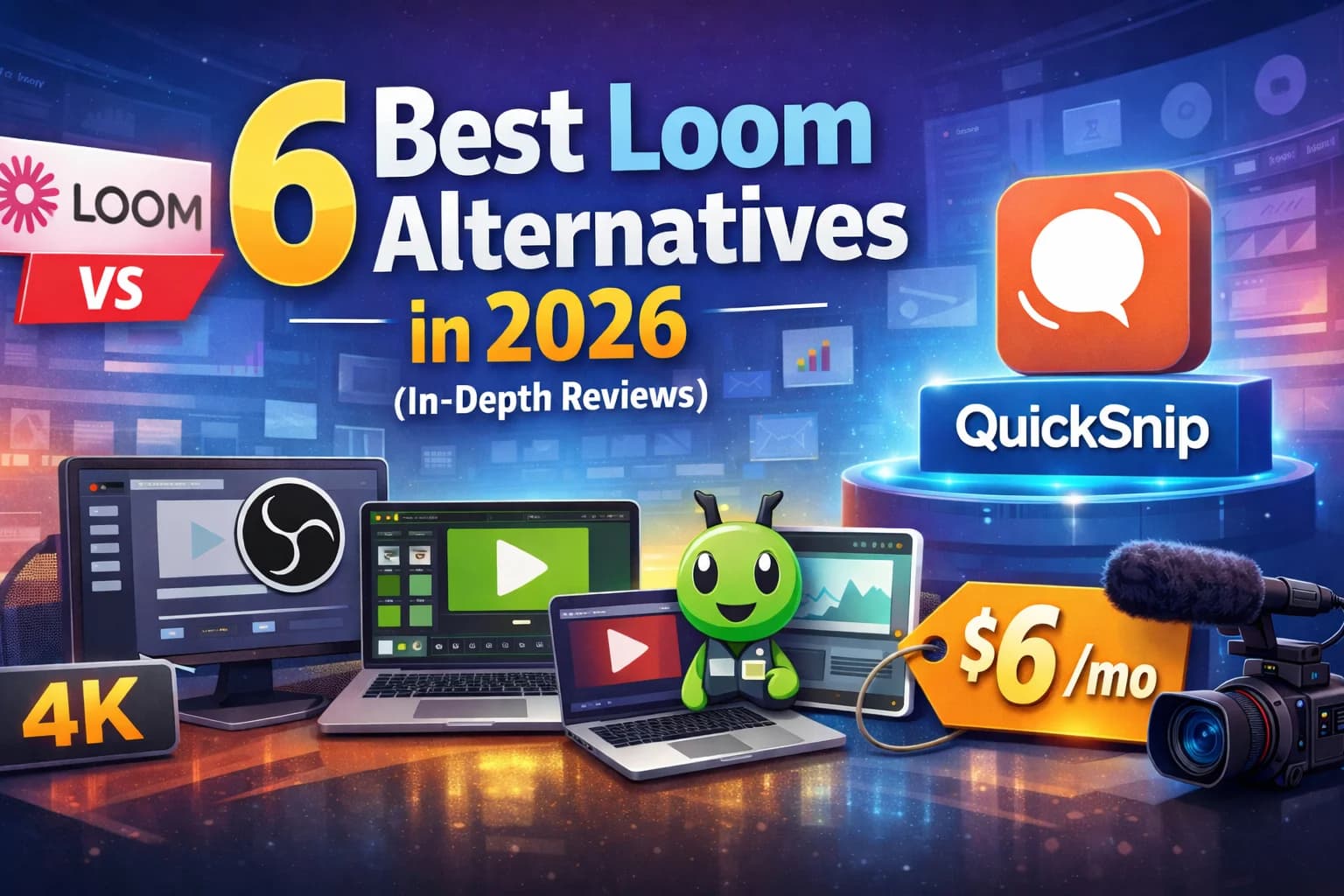
Best Loom Alternatives at a Glance
| Tool | Best For | Starting Price | Free Plan | vs Loom |
|---|---|---|---|---|
| 1. QuickSnip | Best overall Loom alternative | Free | Yes (unlimited) | Affordable pricing, AI captions on paid plans |
| 2. OBS Studio | Free power-user alternative | Free | Yes | More features, no sharing or collaboration |
| 3. Camtasia | Video editing + recording | $179.88/yr | No (free trial) | Full editor, but no instant sharing |
| 4. ScreenPal | Budget basics | $3/mo | Yes (15-min limit) | Budget option, basic features |
| 5. Vidyard | Sales teams | $59/user/mo | Yes (5 videos/mo) | Better CRM integrations, far more expensive |
| 6. Snagit | Screenshots + short clips | $39/yr | No (free trial) | Screenshot-first tool, basic recording |
Why Look for Loom Alternatives?
- 1
Per-User Pricing Adds Up Fast
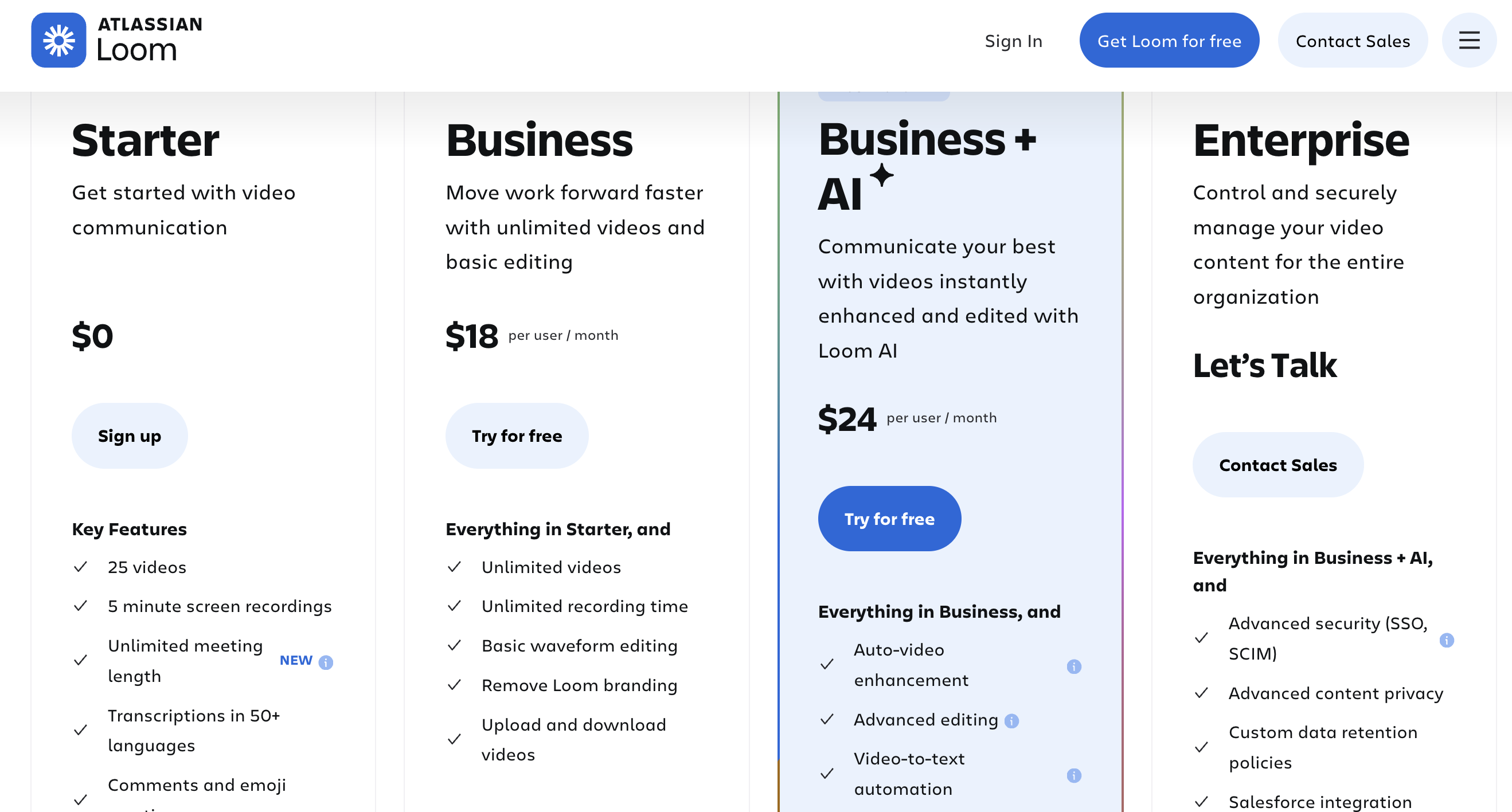
Loom's Business plan costs $15/user/month on an annual contract. The Business + AI plan jumps to $20/user/month. A 10-person team on the Business plan pays $150/month — $1,800/year — just for screen recording. That cost doubles if you want AI features.
QuickSnip's Pro plan is $6/month for individuals. The Team plan for teams is $10/user/month — a third less than Loom's cheapest paid plan. A 10-person team on QuickSnip Team pays $100/month instead of $150, with AI captions included at that price.
- 2
Expensive AI Features
Loom gates its most useful AI features — summaries, auto-chapters, and filler word removal — behind the $20/user/month Business + AI plan. On the standard Business plan at $15/user/month, you get none of that. For a 10-person team, adding AI costs an extra $50/month on top of an already expensive tool.
QuickSnip includes AI captions on all paid plans starting at $6/month. A 10-person team on QuickSnip Team pays $100/month for AI features — half of what Loom charges at $200/month.
- 3
Restrictive Free Plan
Loom's free Starter plan limits you to 25 videos with a 5-minute recording cap per video. That's barely enough to evaluate the product, let alone use it for real work. Once you hit the limit, you either pay or lose access to your recordings.
Compare that to QuickSnip's free plan: unlimited recordings and your videos stay available forever.
- 4
Atlassian Billing Changes
After the Atlassian acquisition, Loom changed its billing structure. Creator Lite seats — which were previously free for view-only collaborators — now get billed at the full per-user rate. Teams that invited viewers or light contributors suddenly saw their bills spike with no change in usage.
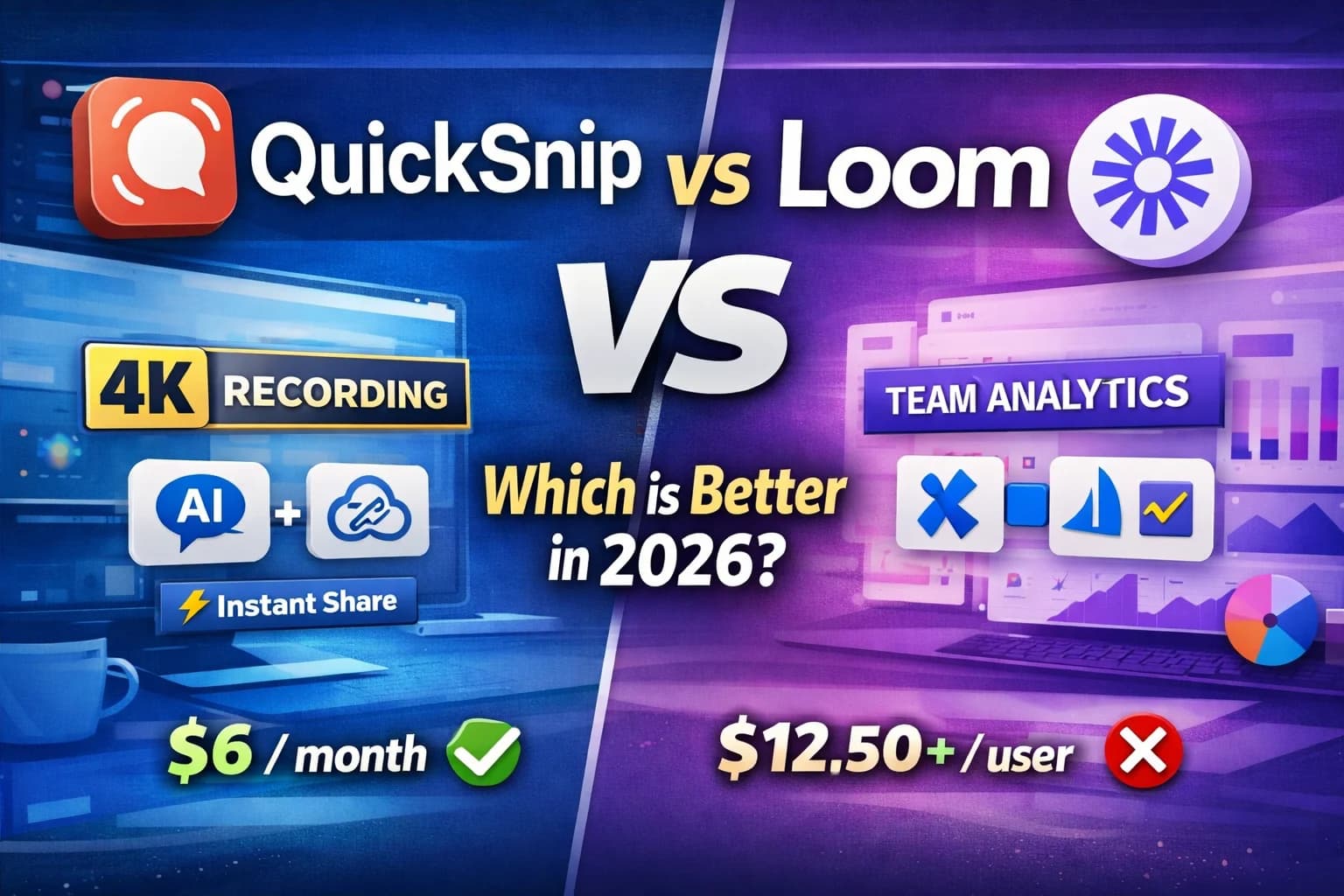
This kind of pricing surprise is a strong motivator to switch. For a deeper look at the differences, read our QuickSnip vs Loom in-depth comparison.
1. QuickSnip — Best Overall Loom Alternative
- 1
What Makes It Stand Out
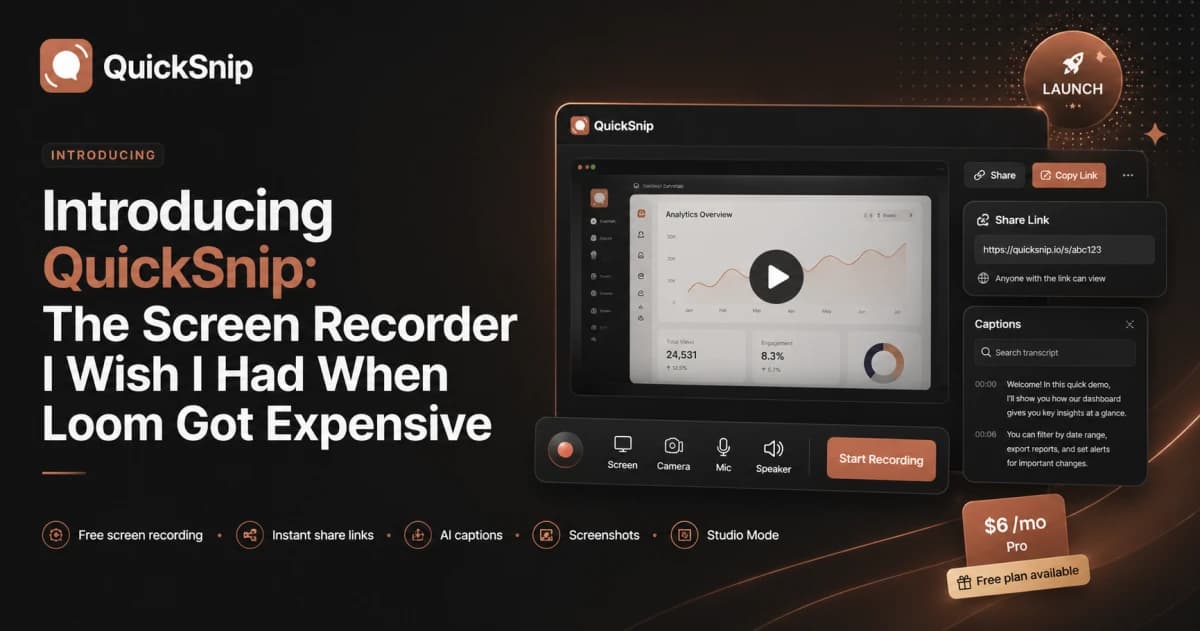
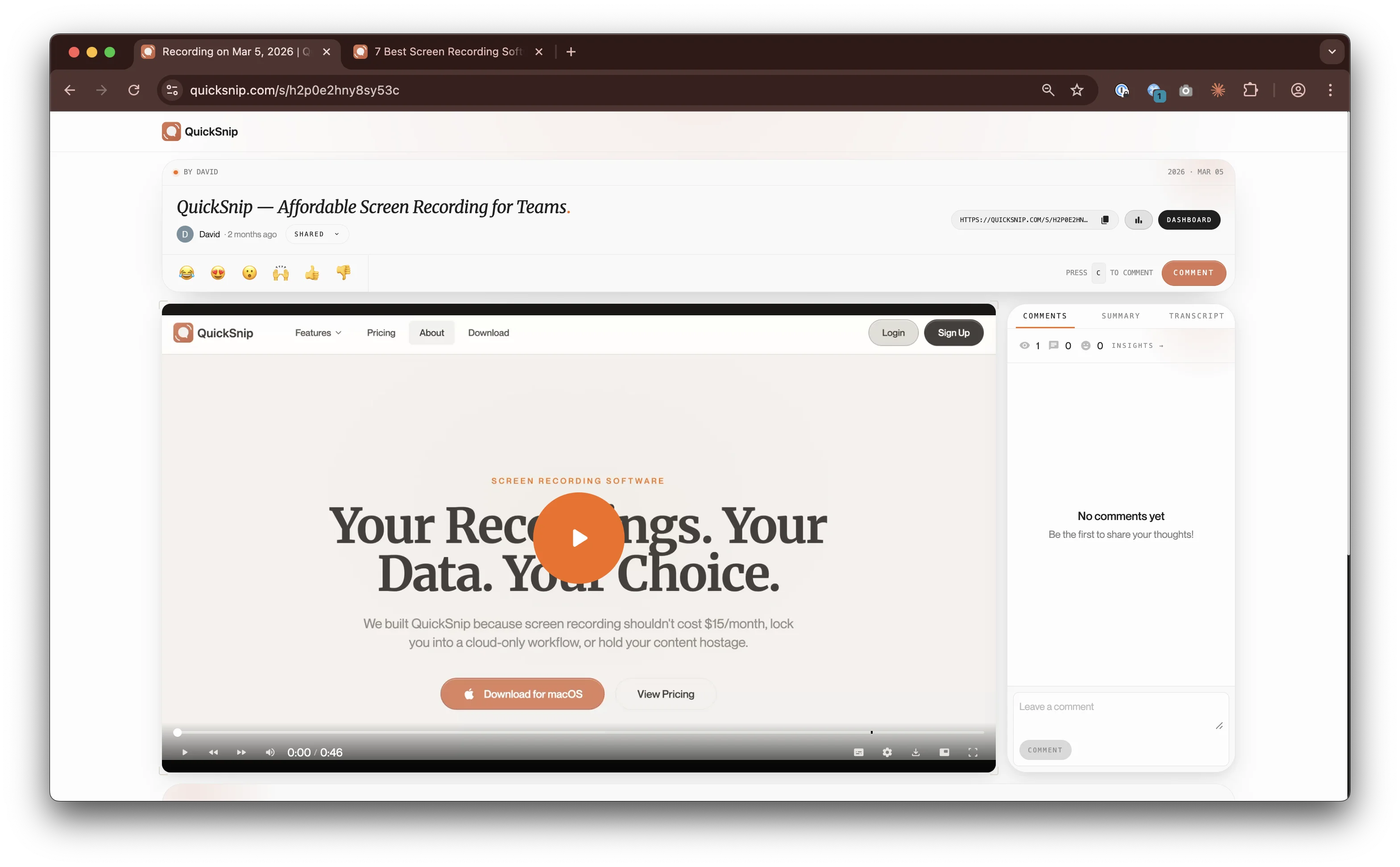
The moment you stop recording, QuickSnip generates a shareable link. Your recipient can start watching immediately — no waiting for uploads or processing. That instant-share workflow is what made Loom popular, and QuickSnip delivers it at a fraction of the cost.
Paid plans include AI-generated captions and a searchable transcript on every recording. On Loom, you need the $20/user/month plan for AI features. On QuickSnip, AI captions are included on paid plans starting at $6/month.
- 2
Key Features
- Instant link sharing — link ready the moment you stop recording
- 4K screen recording — crisp text, sharp UI details
- AI captions and transcripts — included on paid plans
- Webcam overlay — resizable, repositionable bubble
- System + mic audio — capture both simultaneously
- Desktop app — native Mac and Windows performance
- 3
Pricing
- Free plan: Unlimited recordings, basic sharing.
- Pro plan: $6/month — 4K recording, AI captions, password protection.
- Team plan: $10/month — everything in Pro plus no watermark, team invites, and priority support.
For comparison: Loom Business is $15/user/month, Loom Business + AI is $20/user/month. A team of 10 on Loom Business costs $150/month. See all QuickSnip plans.
- 4
How It Compares to Loom
QuickSnip matches Loom's core workflow — record, share, watch — and offers AI captions on paid plans starting at $6/month, compared to Loom's $20/user/month for AI features. Loom has stronger team collaboration features like viewer analytics and timestamped comments, but for most recording and sharing use cases, QuickSnip gives you more for less.
Read our full QuickSnip vs Loom comparison for a detailed breakdown.
2. OBS Studio — Best Free Loom Alternative
- 1
What Makes It Stand Out
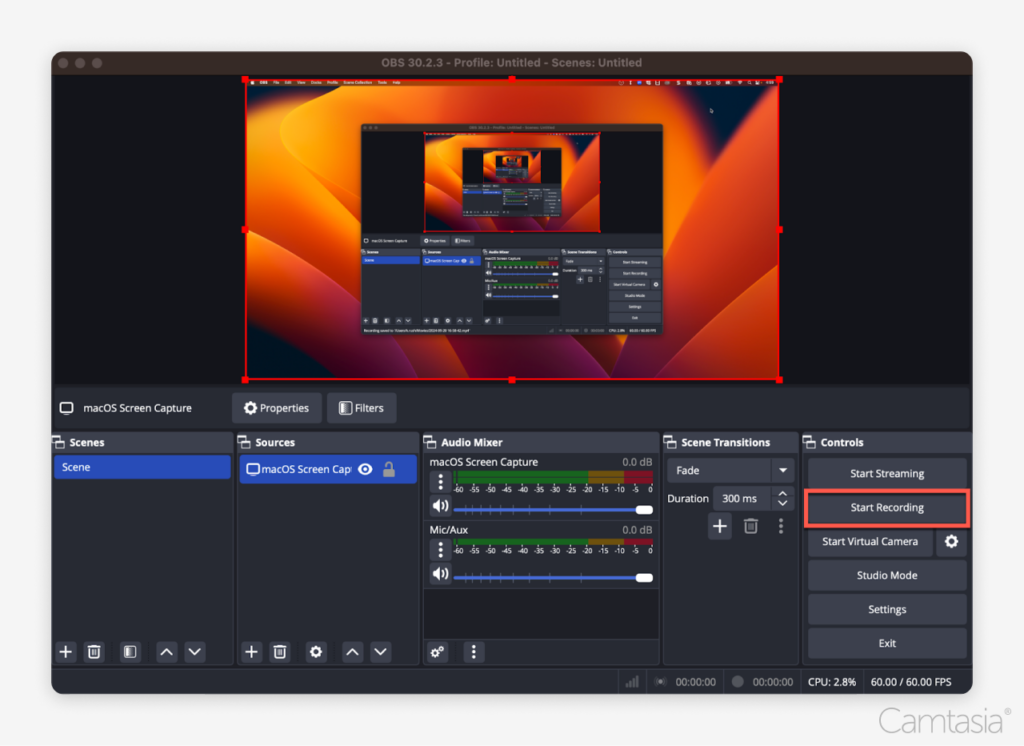
OBS is the most powerful recorder here. Multiple scenes, custom transitions, per-source audio mixing, plugin support, 4K at 60fps, and the ability to stream to any RTMP server. There are no paid tiers, no feature gates, and no watermarks.
If you want granular control over every aspect of your recording setup and don't mind spending time configuring it, OBS is unmatched.
- 2
Key Features
- Completely free — no paid plans, no restrictions
- Scene-based recording — switch layouts mid-recording
- Audio mixer — per-source volume control and filters
- Plugin ecosystem — hundreds of community extensions
- 4K + high FPS — supports 4K at 60fps
- Live streaming — broadcast to Twitch, YouTube, or any RTMP server
- 3
Pricing
Free. No paid plans, no premium features, no subscriptions. OBS is funded by sponsors and community donations.
- 4
How It Compares to Loom
OBS gives you better recording quality and more features than Loom, all for free. But it completely lacks Loom's sharing and collaboration features. There's no cloud hosting, no shareable links, no viewer analytics, no comments, and no AI features. You record a local file and handle everything else yourself.
OBS is a recording tool. Loom is a sharing platform. If you only need to record and can handle your own distribution, OBS saves you every penny. If you need instant sharing, look at QuickSnip instead.
3. Camtasia — Best for Video Editing
- 1
What Makes It Stand Out
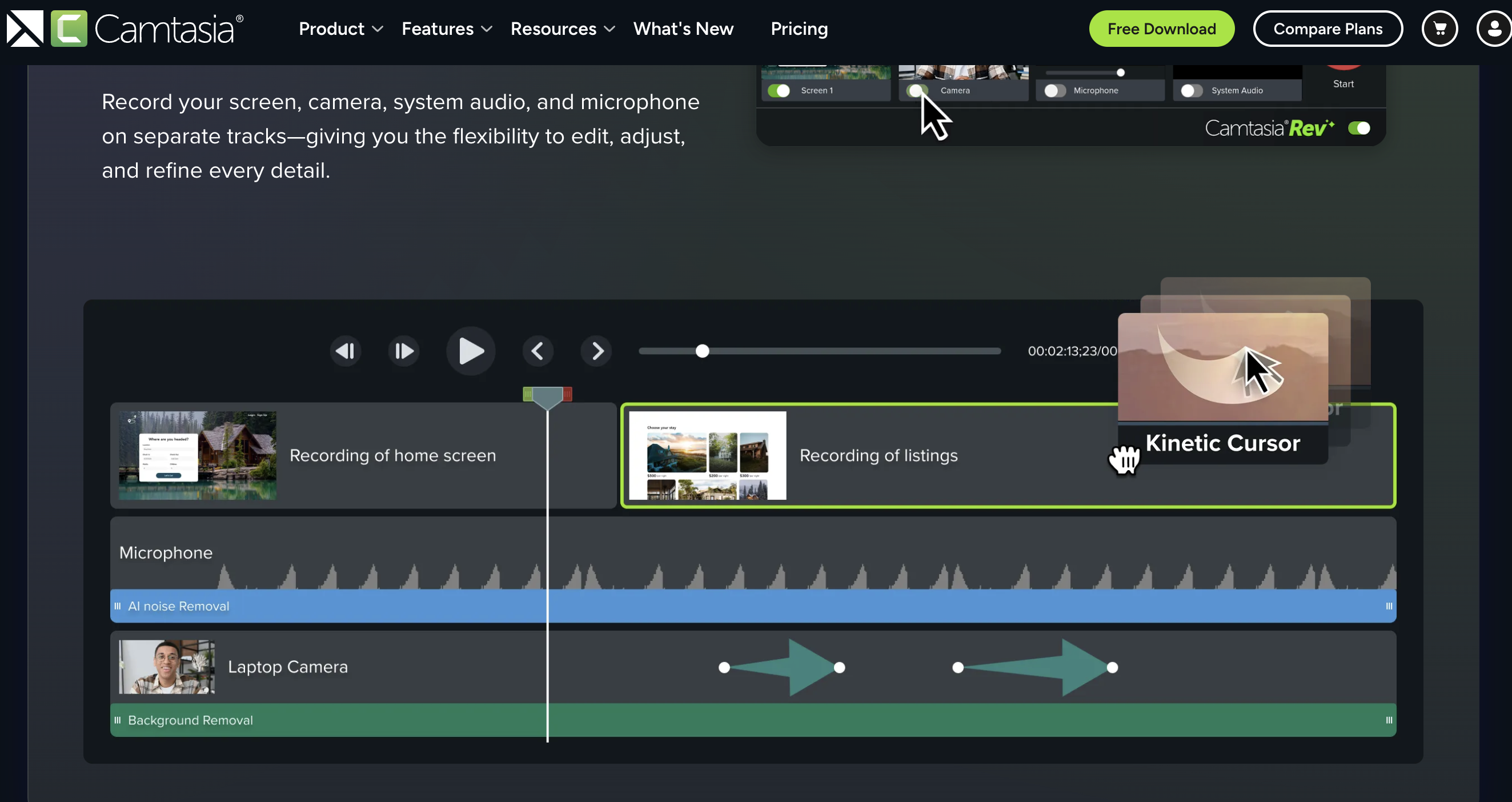
Camtasia's real strength is its editor. Multi-track timeline, transitions, annotations, callouts, zoom effects, cursor highlights, and a library of templates and assets. If you need to produce a polished five-minute tutorial with text overlays, click highlights, and smooth transitions, Camtasia handles it better than anything else on this list.
The recorder supports 4K capture, webcam overlay, and system audio. But the editor is where you'll spend most of your time.
- 2
Key Features
- Full video editor — multi-track timeline, transitions, effects
- Annotations and callouts — arrows, text bubbles, click highlights
- Templates and assets — pre-built intros, outros, lower thirds
- 4K recording — crisp captures on high-resolution displays
- PowerPoint integration — import and record presentations directly
- 3
Pricing
- Essentials: $179.88/year — full recorder and editor.
- Create: $249/year — adds premium assets and effects.
TechSmith moved Camtasia to subscription-only pricing in early 2025. The perpetual license option has been discontinued. Compared to $6/month for QuickSnip or $3/month for ScreenPal, Camtasia is a significant investment.
- 4
How It Compares to Loom
Camtasia and Loom solve different problems. Loom is for quick recordings you share immediately. Camtasia is for recordings you edit extensively before publishing. Camtasia gives you 4K, a full editor, and professional output. But there's no instant sharing, no cloud hosting, and no collaboration features. If you need to edit your recordings before sharing, Camtasia is the better tool. If you need speed, it's overkill.
4. ScreenPal — Best Budget Alternative
- 1
What Makes It Stand Out
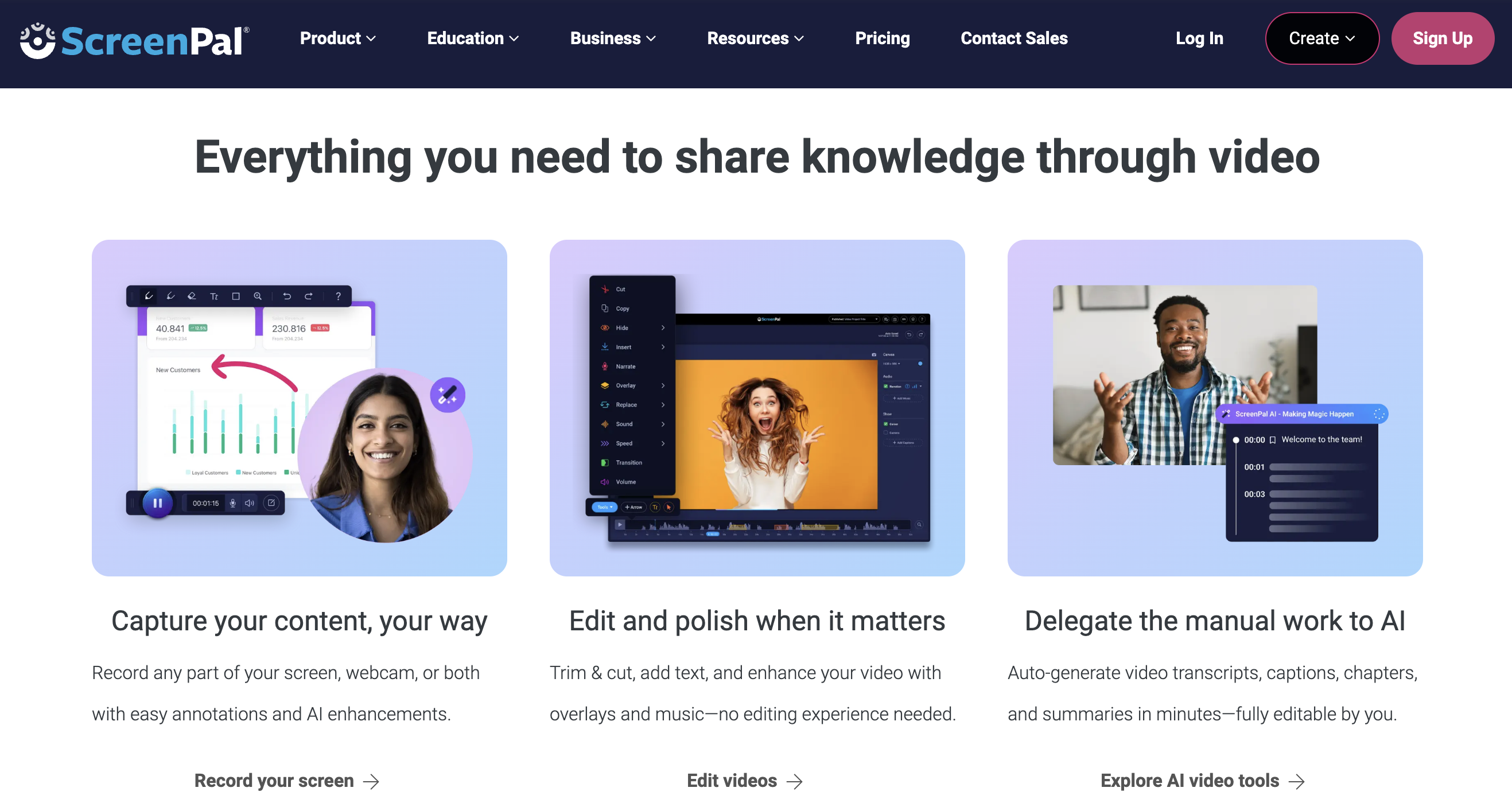
ScreenPal's free plan lets you record up to 15 minutes per video with no watermark on the recording itself. That's far more generous than Loom's 5-minute cap and 25-video limit. Paid plans start at just $3/month, making ScreenPal one of the most affordable screen recorders available.
The editor is basic but functional: trim, cut, add text, and overlay images. Good enough for simple use cases.
- 2
Key Features
- Free 15-minute recordings — generous free tier
- Low-cost paid plans — starting at $3/month
- Basic video editor — trim, cut, text overlays
- Cloud hosting — host and share from ScreenPal
- Team plans — $8/creator/month for 3+ users
- 3
Pricing
- Free: 15-minute recording limit, basic editing, cloud hosting.
- Solo plans: Starting at $3/month — unlimited recording time, premium editing.
- Team plans: $8/creator/month (3+ users) — centralized management, team features.
- 4
How It Compares to Loom
ScreenPal is cheaper than Loom on every tier and has a better free plan. The tradeoff: the sharing workflow isn't as smooth — there's a processing step between recording and getting your link. ScreenPal does offer AI captions on its Max plan ($8/month), but that narrows the price gap with other options. If you're on a tight budget and need basic screen recording, ScreenPal delivers. If you want the full instant-share experience with AI features, QuickSnip is a better fit at $6/month.
5. Vidyard — Best for Sales Teams
- 1
What Makes It Stand Out
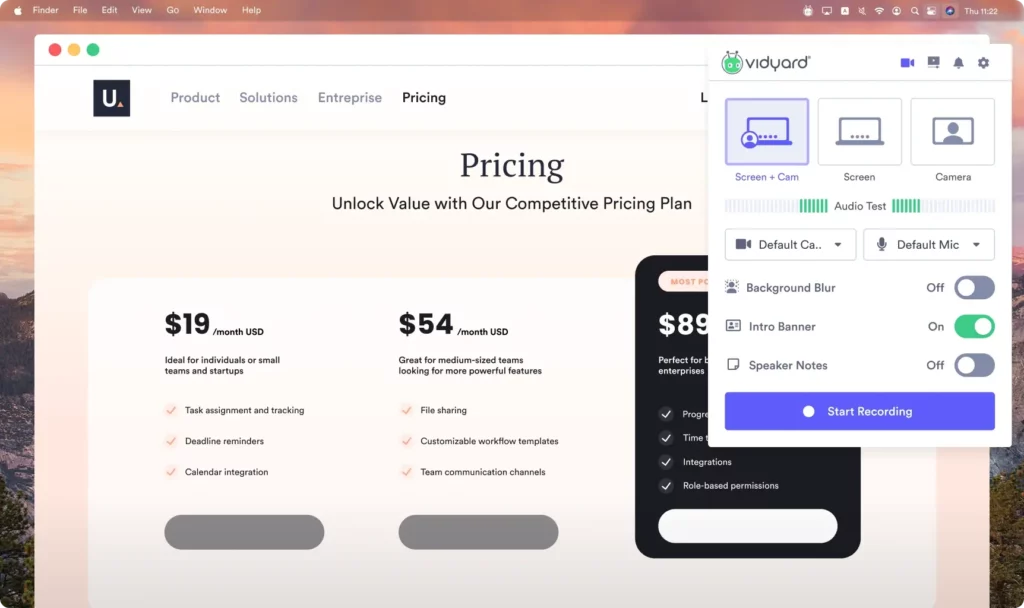
Vidyard's strength is sales enablement. Record a personalized demo for a prospect, embed a CTA button, track who watched it and for how long, then push that data directly into Salesforce or HubSpot. If your sales team uses video prospecting as a core motion, Vidyard's analytics and CRM integrations justify the premium.
The AI avatar feature lets you generate personalized videos at scale without recording each one individually.
- 2
Key Features
- CRM integrations — Salesforce, HubSpot, Marketo
- Viewer analytics — detailed watch tracking per recipient
- Custom CTAs — embed calls-to-action inside videos
- AI video avatars — generate personalized videos at scale
- Password-protected sharing — control access per video
- 3
Pricing
- Free: 5 videos/month, basic analytics.
- Starter: $59/user/month — unlimited recording, full analytics, branded sharing.
- Teams: Custom pricing (5+ users) — advanced analytics, CRM integrations.
At $59/user/month, Vidyard is the most expensive tool on this list by a wide margin. A 10-person team costs $590/month — nearly 6x what the same team would pay on QuickSnip Team ($100/month).
- 4
How It Compares to Loom
Vidyard is more expensive than Loom but offers deeper sales features: CRM integrations, per-recipient analytics, and video CTAs that Loom doesn't match. Loom has better general-purpose collaboration (comments, reactions, team workspaces). If you're a sales team with CRM workflows, Vidyard is worth the premium. For everyone else, it's too expensive and too specialized. QuickSnip gives you the recording and sharing workflow at a fraction of the cost.
6. Snagit — Best for Screenshots
- 1
What Makes It Stand Out
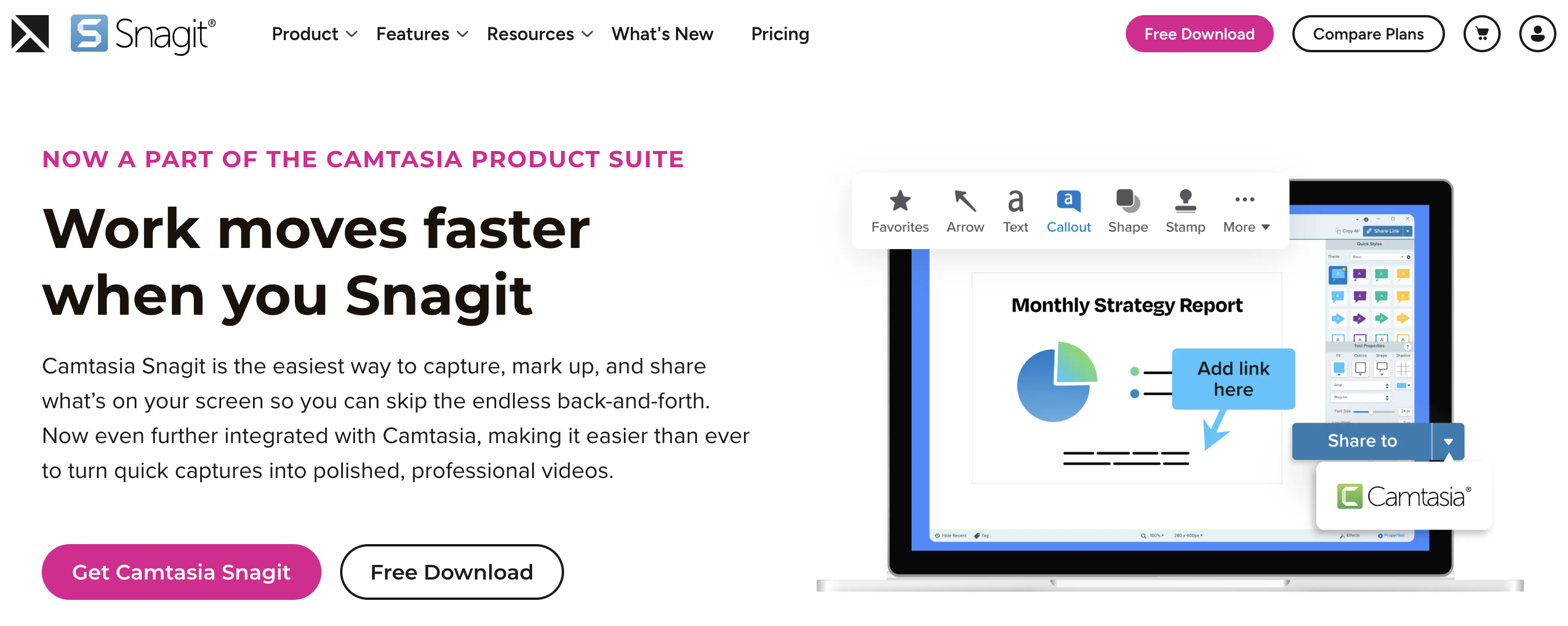
Snagit is the gold standard for screenshot capture. Scrolling screenshots, annotated images with arrows and highlights, step-by-step visual guides, and quick GIF creation. If your workflow is more about capturing and annotating images than recording videos, Snagit is purpose-built for that.
The recording feature handles short clips and simple walkthroughs. It's functional, but it's not why you buy Snagit.
- 2
Key Features
- Scrolling screenshot capture — capture entire web pages
- Annotation tools — arrows, highlights, text, stamps, blurring
- GIF creation — turn short recordings into animated GIFs
- Template-based documentation — create visual guides from screenshots
- Quick sharing — share to Screencast.com, Slack, email
- 3
Pricing
- Individual: $39/year — full Snagit access.
- Business: $48/year — adds admin features.
- Education: $20/year — with valid .edu email.
TechSmith moved Snagit to subscription-only pricing in 2025. There's no longer a perpetual license option.
- 4
How It Compares to Loom
Snagit is primarily a screenshot tool where video recording is secondary. It handles short clips but isn't designed for the kind of recording-and-sharing workflow you'd use Loom for. There are no AI captions, no viewer analytics, and no team collaboration features. Snagit does support 4K recording, webcam overlay (picture-in-picture), and instant link sharing via Screencast, but the overall experience is built around screenshots, not async video.
If you need screenshots and short clips, Snagit is great at what it does. If you need a real Loom alternative for video recording and sharing, look at the other tools on this list. For a broader view, check out our best screen recording software roundup.
Which Loom Alternative Is Right for You?
Choose QuickSnip if...
Choose OBS Studio if...
Choose Camtasia if...
Choose ScreenPal if...
Choose Vidyard if...
Choose Snagit if...