TL;DR
Best Screen Recording Software at a Glance
| Tool | Best For | Starting Price | Free Plan | 4K Recording |
|---|---|---|---|---|
| 1. QuickSnip | Fast recording + instant sharing | Free | Yes | Yes |
| 2. Loom | Team video messaging | $15/user/mo | Limited (25 videos) | Yes (desktop app) |
| 3. OBS Studio | Power users and streamers | Free | Yes | Yes |
| 4. Camtasia | Polished tutorial production | $179.88/yr | No (free trial) | Yes |
| 5. ScreenPal | Budget-friendly basics | $3/mo | Yes (15-min limit) | No |
| 6. Vidyard | Sales prospecting videos | $59/user/mo | Yes (5 videos/mo) | Yes (desktop app) |
| 7. Snagit | Screenshots + short clips | $39/yr | No (free trial) | Yes |
1. QuickSnip — Best for Fast Recording with Instant Sharing
- 1
What Makes It Stand Out
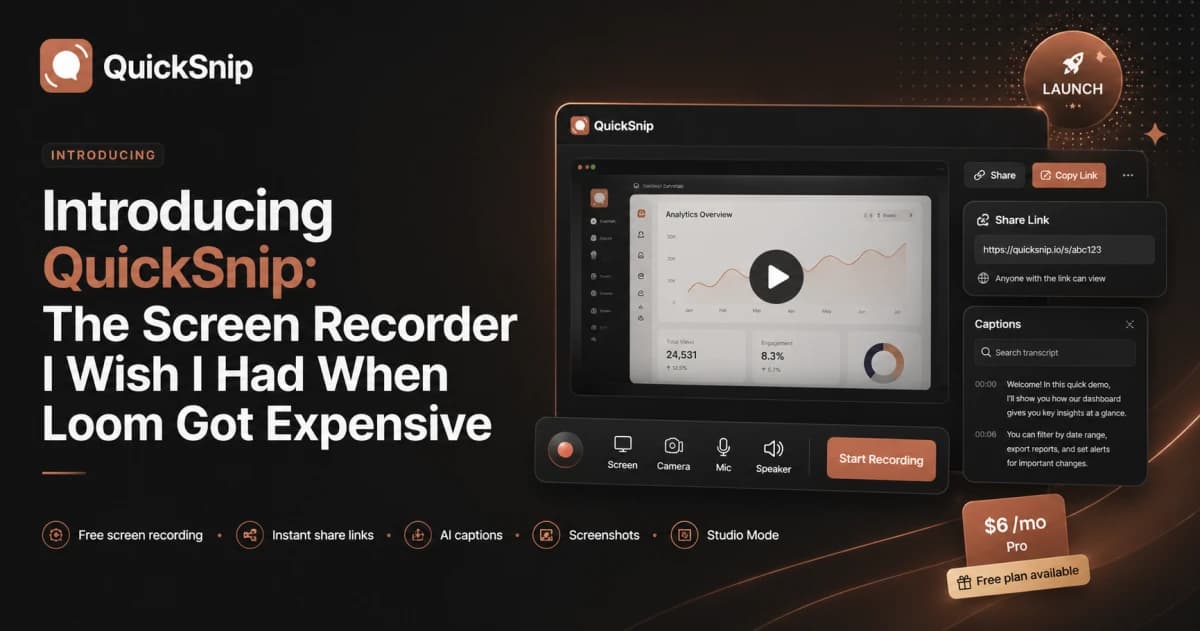
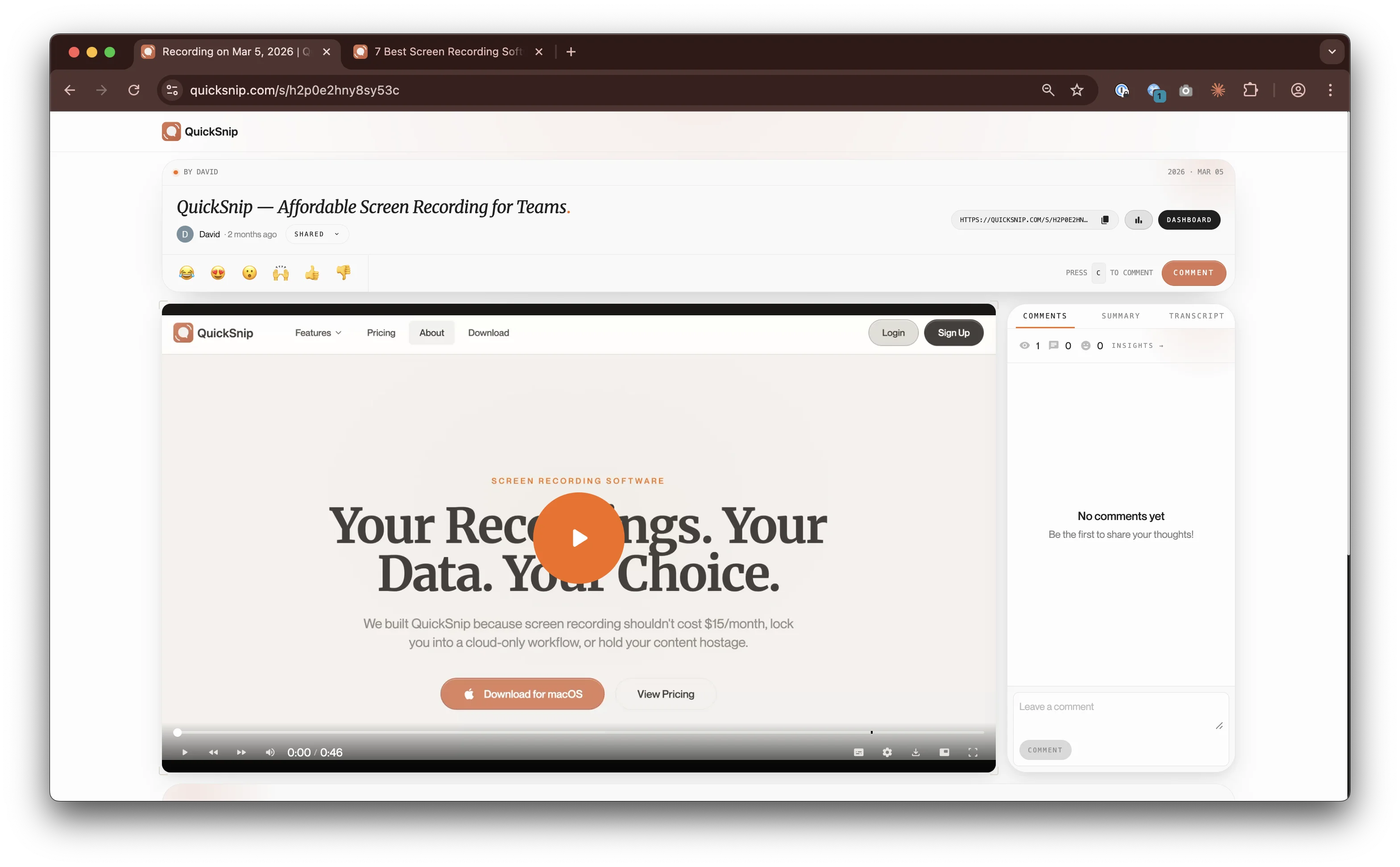
The moment you stop recording, QuickSnip gives you a shareable link. Your recipient can start watching immediately. That alone sets it apart from most recorders that save a local file and leave you to figure out distribution.
On top of that, paid plans include AI-generated captions, a searchable transcript, and automatic titles. You also get 4K recording, webcam overlay, and system audio capture.
- 2
Key Features
- Instant link sharing — no upload wait, link ready when you stop recording
- 4K screen recording — crisp text, sharp UI details
- AI captions and transcripts — on paid plans starting at $6/month
- Webcam overlay — resizable, repositionable bubble
- System + mic audio — capture both simultaneously
- Desktop app — native Mac and Windows performance
- 3
Pricing
- Free plan: Unlimited recordings, basic sharing.
- Pro plan: $6/month — 4K recording, AI captions, password protection.
- Team plan: $10/month — everything in Pro plus no watermark, team invites, and priority support.
That's significantly cheaper than Loom ($15/user/mo) and Vidyard ($59/user/mo). See all QuickSnip plans.
- 4
Limitations
QuickSnip includes a built-in editor with timeline, trim, zoom, and effects. For heavy post-production with multi-track timelines and extensive transitions, Camtasia offers more. But for most editing needs, QuickSnip handles it without a separate tool.
2. Loom — Best for Team Video Messaging
- 1
What Makes It Stand Out
Loom's strength is its collaboration layer. You can see who watched your video, leave timestamped comments, and react with emojis. If your team already uses Atlassian products (Jira, Confluence), Loom integrates natively.
The AI features on the Business + AI plan are solid: auto-summaries, chapter generation, and filler word removal.
- 2
Key Features
- Viewer analytics — see who watched and for how long
- Timestamped comments — team feedback on specific moments
- AI summaries and chapters — on Business + AI plan
- Atlassian integration — native Jira and Confluence embedding
- Browser extension + desktop app — record from either
- 3
Pricing
- Free (Starter): 25 videos, 5-minute recording limit.
- Business: $15/user/month (annual) — unlimited recordings, basic editing.
- Business + AI: $20/user/month — adds AI features, transcript editing, annotations.
The per-user pricing adds up fast for teams. A 10-person team on the Business plan costs $150/month.
- 4
Limitations
The free plan is restrictive: 25 recordings with a 5-minute limit. And the recent Atlassian billing changes have frustrated some users — Creator Lite seats (previously free) now get billed at full rate. For a deeper look, read our QuickSnip vs Loom comparison.
3. OBS Studio — Best for Power Users and Streamers
- 1
What Makes It Stand Out
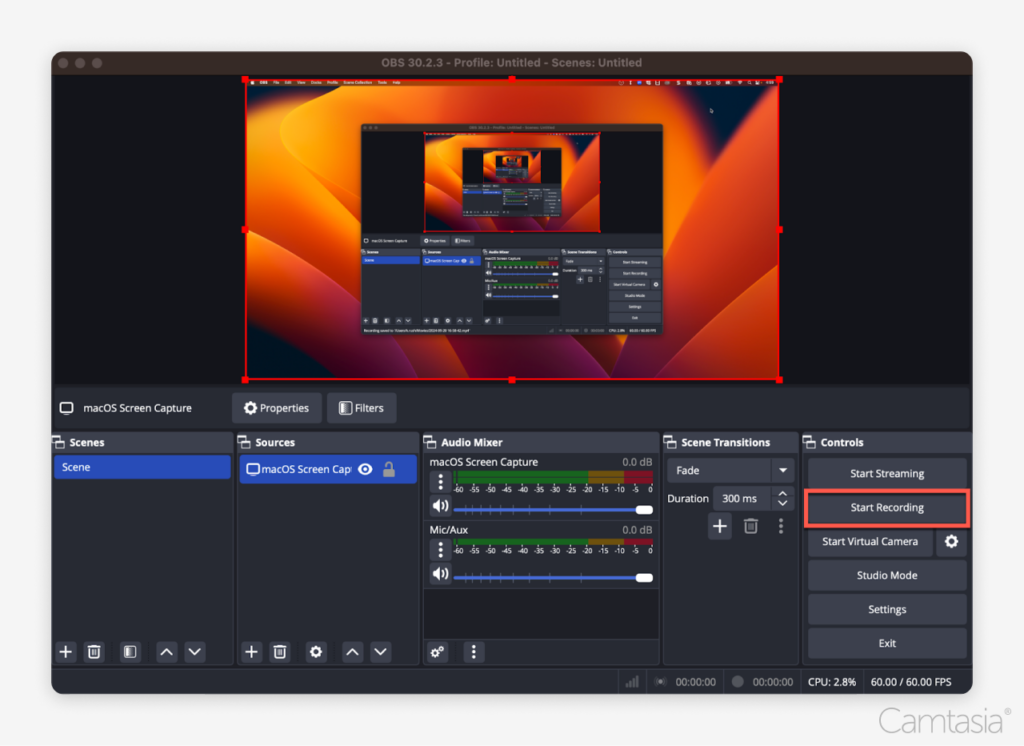
OBS gives you more control than any other recorder on this list. Multiple scenes, audio mixing, custom transitions, plugin support, and the ability to stream to Twitch, YouTube, or any RTMP server. It supports 4K recording and has no limits on recording length or features.
The price is unbeatable: completely free with no watermarks, no feature gates, and no subscriptions.
- 2
Key Features
- Completely free — no paid tiers, no feature restrictions
- Scene-based recording — switch between layouts mid-recording
- Audio mixer — per-source volume control and filters
- Plugin ecosystem — extend functionality with community plugins
- 4K + high FPS recording — supports 4K at 60fps
- Streaming built in — broadcast to any RTMP server
- 3
Pricing
Free. No paid plans, no premium features behind a paywall. OBS is funded by sponsors and donations.
- 4
Limitations
The learning curve is steep. Setting up OBS for the first time involves configuring scenes, sources, encoding settings, and output formats. There's no built-in sharing, no cloud storage, no AI features, and no collaboration tools. You record a file and handle distribution yourself.
For quick recordings you want to share with a teammate, OBS is overkill. For professional streaming and complex multi-source setups, nothing beats it.
4. Camtasia — Best for Polished Tutorial Production
- 1
What Makes It Stand Out
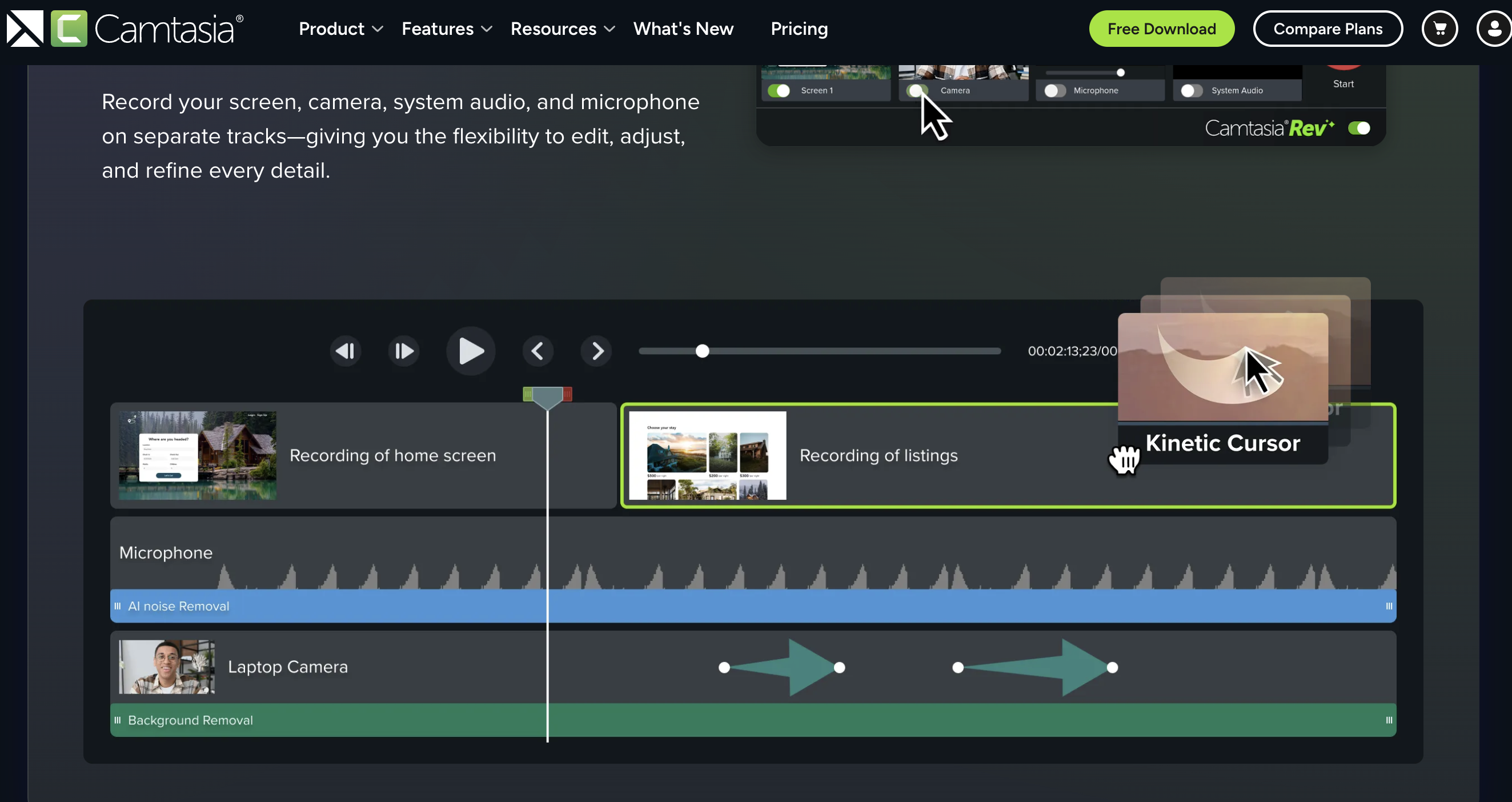
Camtasia's editor is where it shines. Multi-track timeline, transitions, annotations, callouts, zoom effects, and a library of templates and assets. If you need to produce a five-minute tutorial with text overlays, highlighted clicks, and smooth transitions, Camtasia handles it well.
The recording side is capable too: 4K capture, webcam overlay, and system audio. But Camtasia's real value is post-production.
- 2
Key Features
- Full video editor — multi-track timeline, transitions, effects
- Annotations and callouts — highlight clicks, add arrows, text bubbles
- Templates and assets — pre-built intros, outros, and lower thirds
- 4K recording — crisp captures on high-resolution displays
- PowerPoint integration — import and record presentations directly
- 3
Pricing
- Essentials: $179.88/year — full recorder and editor.
- Create: $249/year — adds premium assets and effects.
TechSmith discontinued the one-time purchase option in early 2025, so Camtasia is now subscription-only.
- 4
Limitations
Camtasia is expensive and complex for simple recordings. If you just need to capture your screen and share it quickly, the full editor is unnecessary overhead. There's also no built-in cloud sharing — you export a file and upload it yourself. Startup time is slower than lightweight recorders.
5. ScreenPal — Best for Budget-Friendly Basics
- 1
What Makes It Stand Out
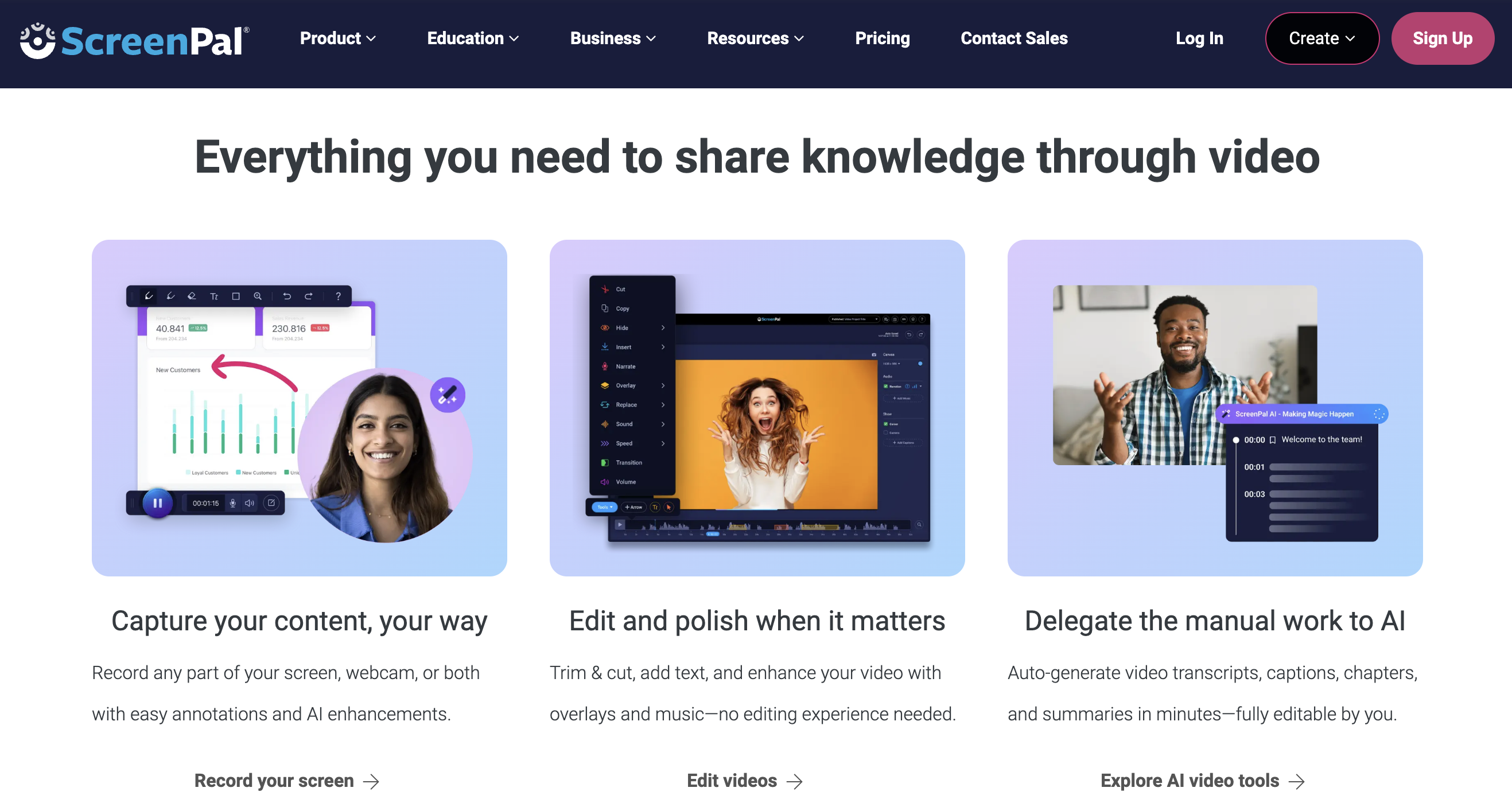
ScreenPal's free plan lets you record up to 15 minutes per video with no watermark on the recording itself. Paid plans start at just $3/month, making it one of the most affordable options. The editor is basic but functional: trim, cut, add text, and overlay images.
- 2
Key Features
- Free 15-minute recordings — generous free tier
- Low-cost paid plans — starting at $3/month
- Basic video editor — trim, cut, text overlays
- Cloud hosting — host and share videos from ScreenPal
- Team plans available — starting at $8/creator/month for 3+ users
- 3
Pricing
- Free: 15-minute recording limit, basic editing, cloud hosting.
- Solo plans: Starting at $3/month — unlimited recording time, premium editing.
- Team plans: $8/creator/month (3+ users) — centralized management, team features.
- 4
Limitations
No 4K recording. The editor is basic compared to Camtasia, and AI captions are only available on the Max plan ($8/mo). The instant sharing experience isn't as smooth as QuickSnip — there's a processing step between recording and sharing. If you're on a tight budget and need basic recording, ScreenPal delivers. For more advanced features, you'll outgrow it.
6. Vidyard — Best for Sales Prospecting Videos
- 1
What Makes It Stand Out
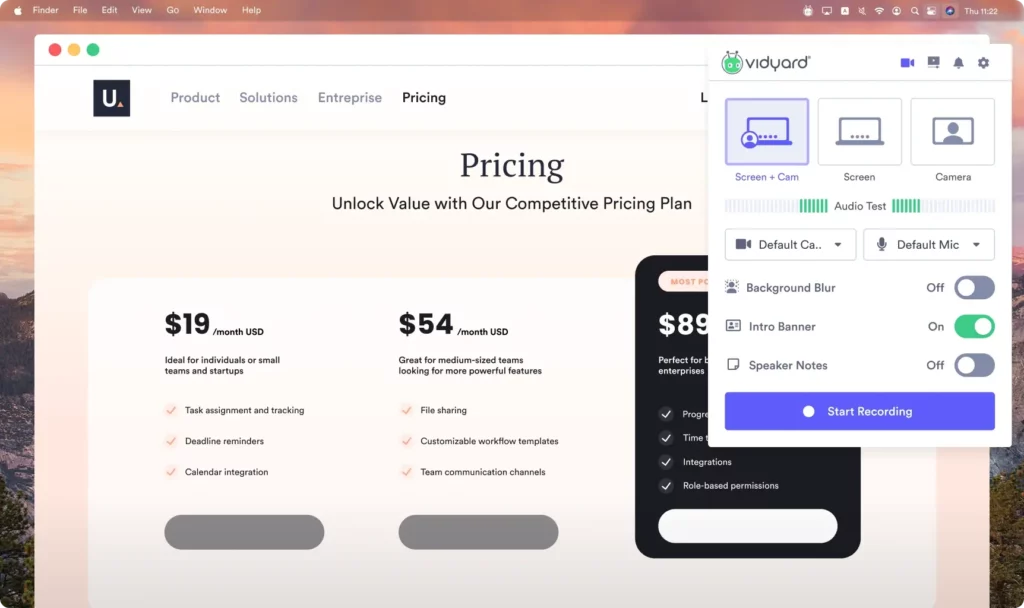
Vidyard's sweet spot is sales enablement. Record a personalized demo for a prospect, embed a CTA button, track who watched it and for how long, then push that data into your CRM. If your sales team uses video prospecting heavily, Vidyard's analytics and integrations justify the premium price.
- 2
Key Features
- CRM integrations — Salesforce, HubSpot, Marketo
- Viewer analytics — detailed watch tracking per recipient
- Custom CTAs — embed calls-to-action in videos
- AI video avatars — generate personalized videos at scale
- Password-protected videos — control who can view
- 3
Pricing
- Free: 5 videos/month, basic analytics.
- Starter: $59/user/month — unlimited recording, full analytics, branded sharing.
- Teams: Custom pricing (5+ users) — advanced analytics, CRM integrations.
At $59/user/month, Vidyard is the most expensive option on this list. It's priced for sales organizations that can tie video directly to revenue.
- 4
Limitations
The free plan caps you at 5 videos per month. The Starter plan is expensive for individual users or small teams who don't need CRM integrations. If you're not in sales, Vidyard's premium features won't deliver enough value to justify the cost.
7. Snagit — Best for Screenshots and Short Clips
- 1
What Makes It Stand Out
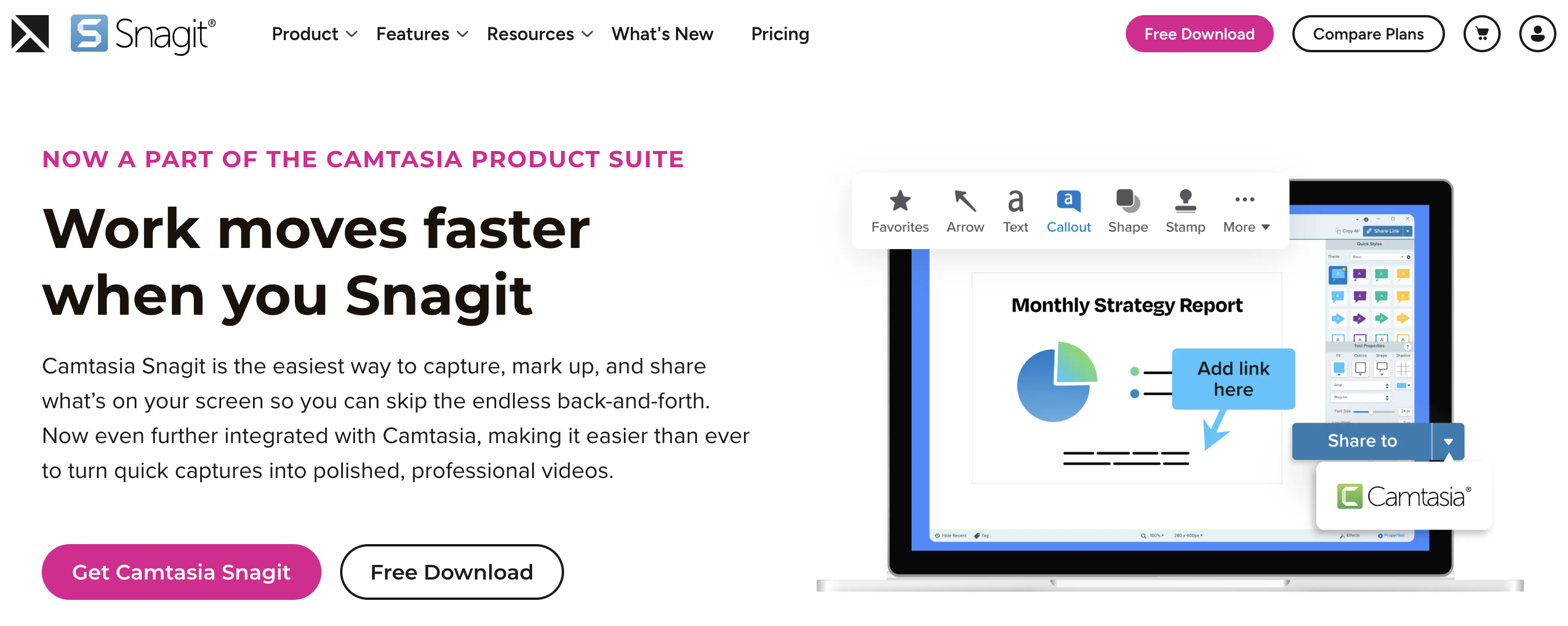
Snagit excels at static captures. Scrolling screenshots, annotated images with arrows and highlights, and quick GIF creation are where it shines. The screen recording feature is there for short clips, but it's not the primary focus.
If your workflow is more about capturing and annotating images than recording videos, Snagit is purpose-built for that.
- 2
Key Features
- Scrolling screenshot capture — capture entire web pages
- Annotation tools — arrows, highlights, text, stamps
- GIF creation — turn short recordings into GIFs
- Template-based documentation — create visual guides from screenshots
- Quick sharing — share to Screencast.com, Slack, email
- 3
Pricing
- Individual: $39/year — full Snagit access.
- Business: $48/year — adds admin features.
- Education: $20/year — with valid .edu email.
TechSmith moved Snagit to subscription-only pricing in 2025. You can no longer buy a perpetual license.
- 4
Limitations
Snagit's video recording is secondary to its screenshot capabilities. While it handles short clips well, it lacks AI features and the instant recording-to-link workflow of dedicated screen recorders. If you primarily need a screen recorder, Snagit isn't the right tool. It's a screenshot tool that happens to record video.
Which Screen Recording Software Is Best for You?
Choose QuickSnip if...
Choose Loom if...
Choose OBS Studio if...
Choose Camtasia if...
Choose ScreenPal if...
Choose Vidyard if...