TL;DR
QuickSnip vs Loom: Feature Comparison
| Feature | QuickSnip | Loom |
|---|---|---|
| Price (Paid Plan) | $6/month | $15–$20/user/month |
| Free Plan | Unlimited recordings | 25 videos, 5-minute limit |
| AI Captions | Yes — paid plans | Business + AI plan only ($20/user/mo) |
| Instant Sharing | Yes — link ready the moment you stop recording | Yes — after a brief processing step |
| Webcam Overlay | Yes | Yes |
| System Audio Capture | Yes | Yes |
| Video Editor | Timeline editor with trim, zoom, and effects | Basic trim and cut |
| Analytics | Yes — on paid plans | Yes — viewer tracking, engagement data |
| Integrations | Embed codes, direct links, password protection | Atlassian (Jira, Confluence), Slack, Salesforce |
| Desktop App | Mac and Windows (native) | Mac, Windows, and Chrome extension |
| Best For | Fast recording, instant sharing, affordable pricing | Atlassian-heavy teams needing viewer analytics |
What Is QuickSnip?
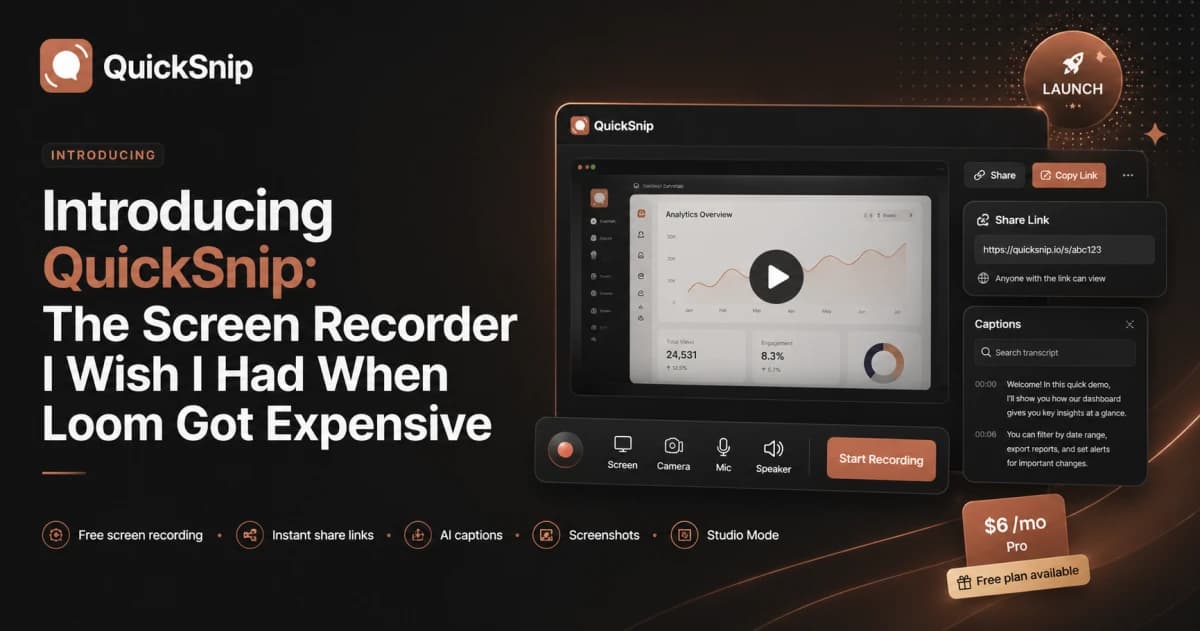
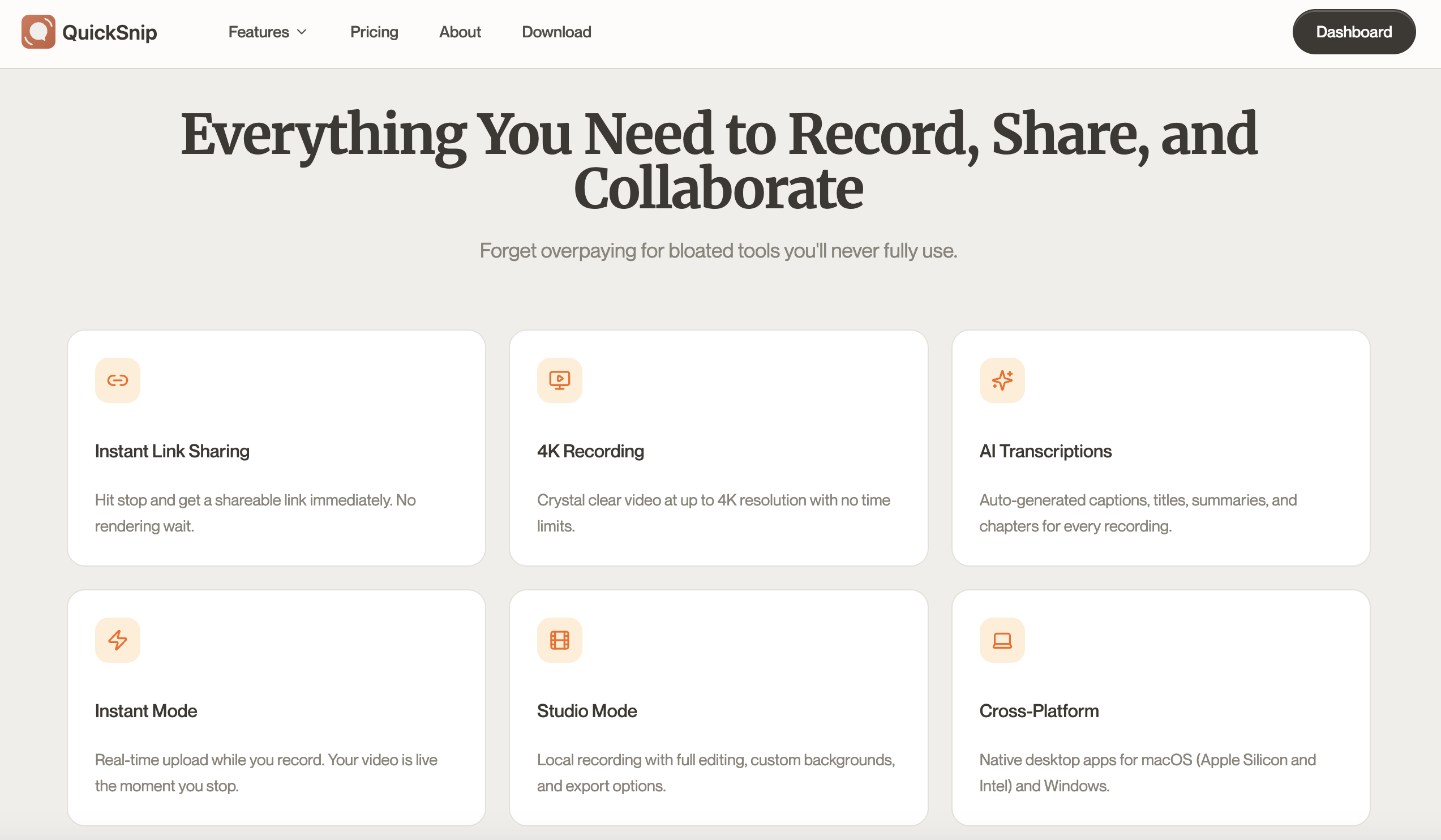
QuickSnip is a desktop screen recorder for Mac and Windows designed around speed. You hit record, capture your screen, stop, and immediately get a shareable link. There's no upload wait, no file management, and no extra steps between recording and sharing.
Beyond instant sharing, QuickSnip includes AI-generated captions and transcripts on paid plans, webcam overlay, and system audio capture. The free plan offers unlimited recordings with instant sharing. The Pro plan is $6/month.
What Is Loom?
Loom is a screen recording and video messaging platform now owned by Atlassian. It's built for async communication inside teams, with features like viewer tracking, timestamped comments, and emoji reactions. Loom has a browser extension and desktop app for Mac and Windows.
Loom's strength is its collaboration and analytics layer. If your team runs on Jira and Confluence, Loom plugs directly into those tools. The AI features (summaries, chapters, filler word removal) are available on the Business + AI plan at $20/user/month.
Sharing and Distribution: QuickSnip vs Loom
- 1
QuickSnip: Instant Link, Zero Wait
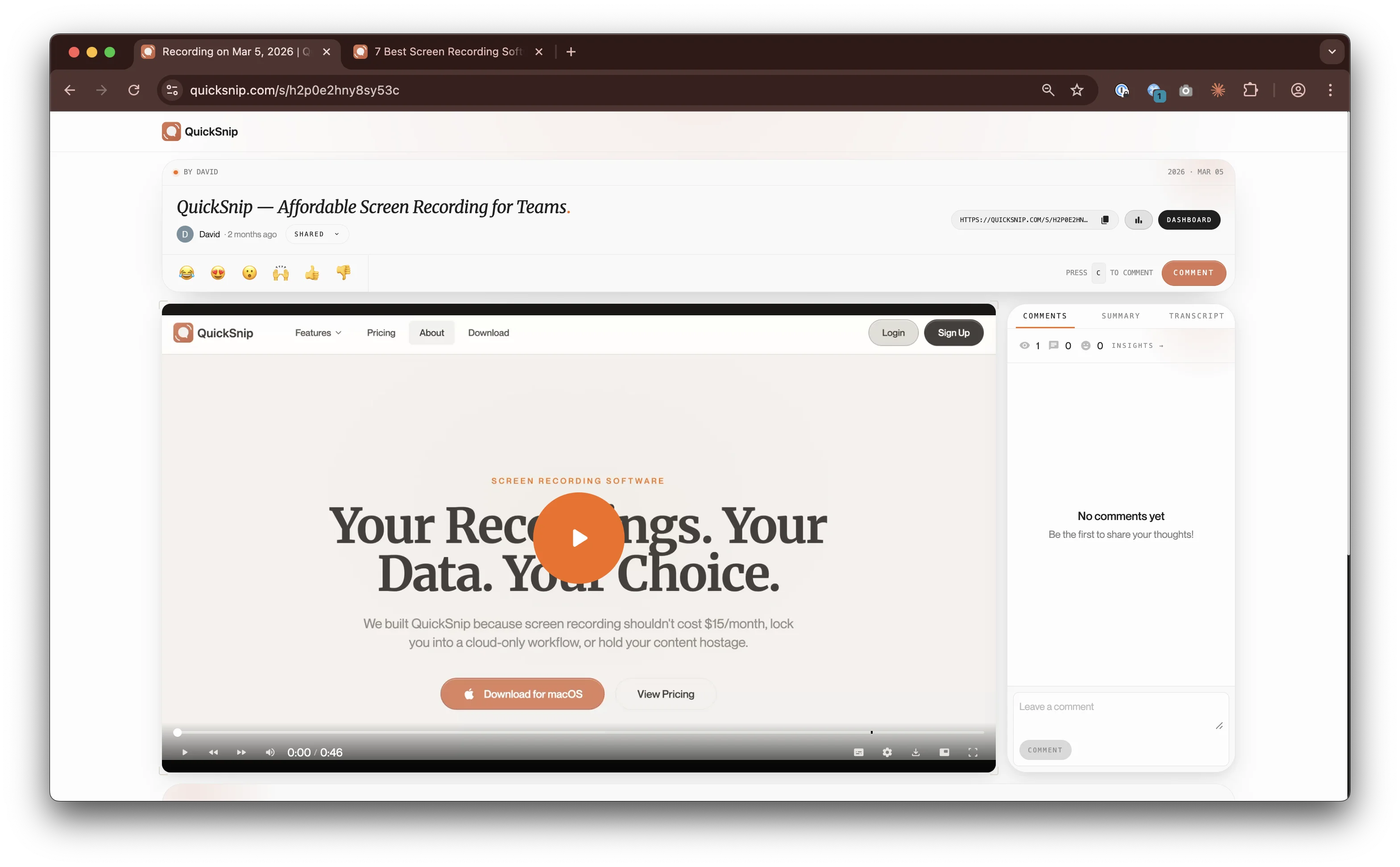
QuickSnip generates a shareable link the instant you stop recording. There's no processing delay. Your recipient can start watching immediately. You can also embed recordings and password-protect them. Read more about QuickSnip's instant sharing.
- 2
Loom: Cloud Sharing with Team Features
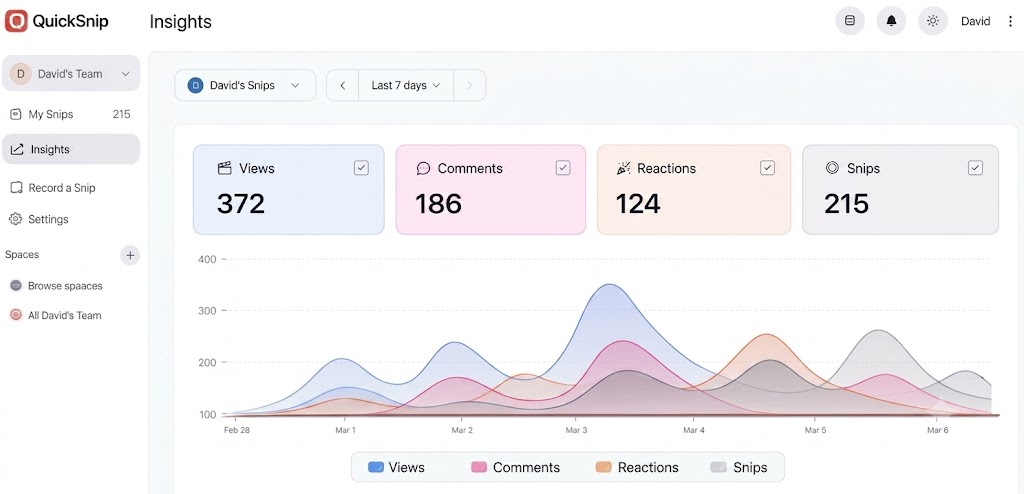
Loom also provides a shareable link after recording, though there's typically a brief processing step before the video is ready. Where Loom adds value is the layer on top: viewer analytics showing who watched (and how much), timestamped comments for feedback, and native embedding in Atlassian tools.
Both tools let you see who watched your recordings and how much they viewed.
AI Features: QuickSnip vs Loom
- 1
QuickSnip: AI Included on Paid Plans
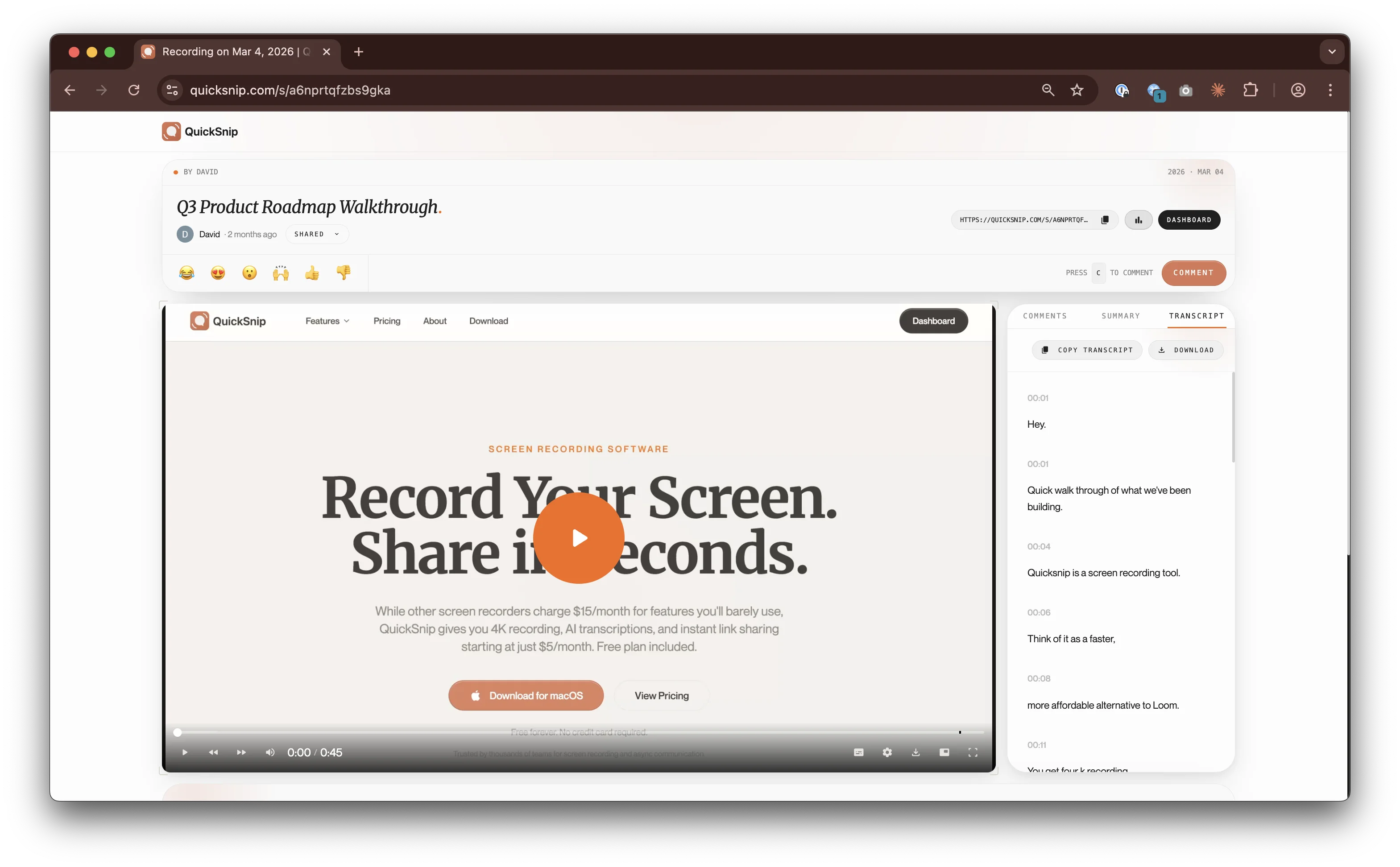
QuickSnip generates AI captions, searchable transcripts, and automatic titles on every recording. This works on all paid plans starting at $6/month. There's no separate AI add-on or premium tier required.
Captions are generated automatically after each recording. Transcripts are searchable, so you can find a specific recording by what was said in it.
- 2
Loom: AI Behind the $20/User/Month Paywall
Loom's AI features are strong: auto-generated summaries, chapter markers, filler word removal, and transcript editing. The problem is they're only available on the Business + AI plan at $20/user/month.
On the free and standard Business plans, you don't get AI summaries or chapters. For a 10-person team, the AI plan costs $200/month. A 10-person team on QuickSnip Team pays $100/month — half the cost.
Pricing: QuickSnip vs Loom
- 1
QuickSnip Pricing
Free plan: Unlimited recordings, instant sharing.
Pro plan: $6/month — 4K recording, AI captions, password protection, analytics.
One subscription covers your account regardless of how many people view your recordings.
- 2
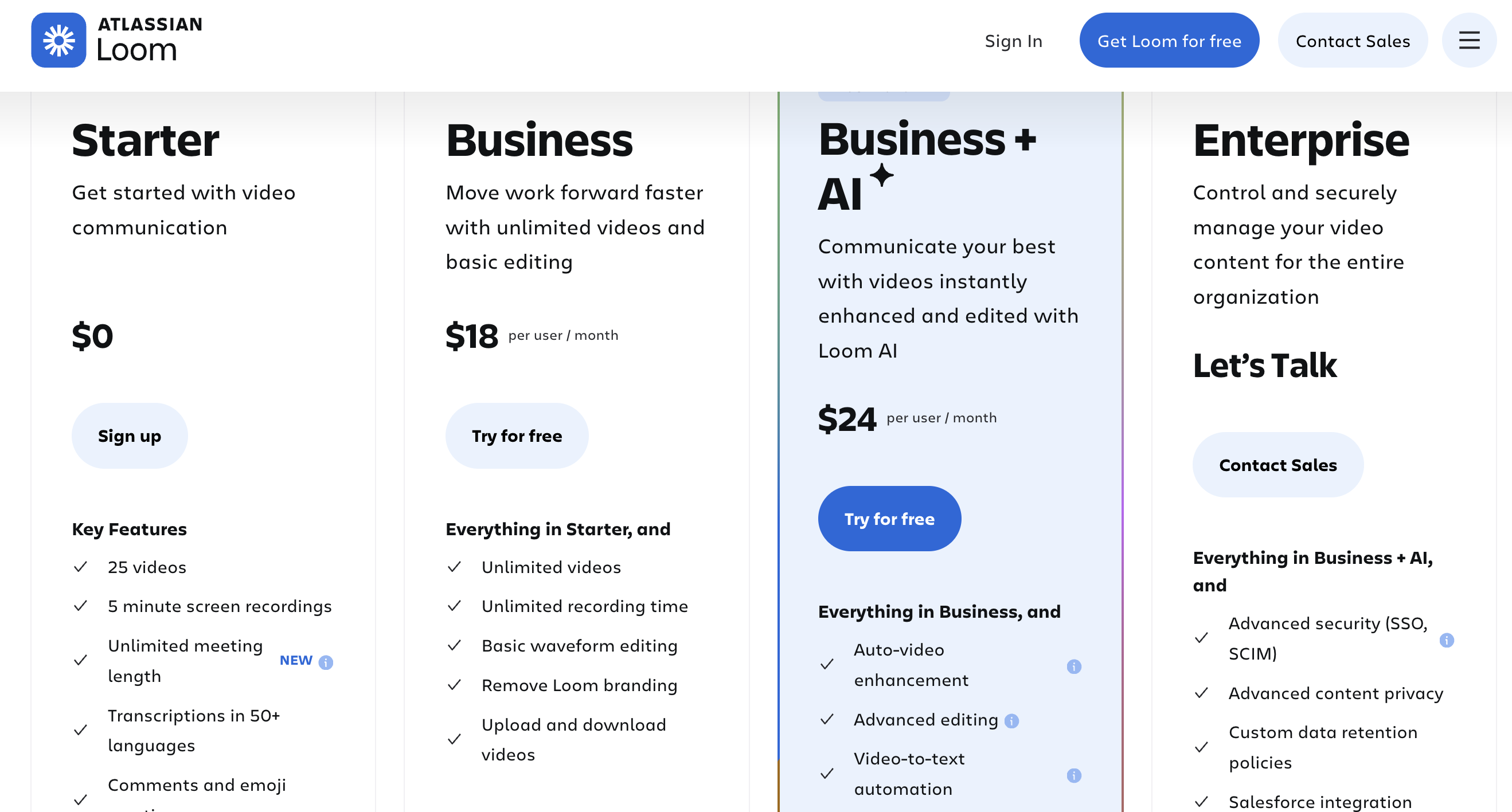
Loom Pricing
Free (Starter): 25 videos, 5-minute recording limit.
Business: $15/user/month (billed annually) — unlimited recordings, basic editing, viewer insights.
Business + AI: $20/user/month — adds AI summaries, chapters, filler word removal.
Enterprise: Custom pricing — SSO, admin controls, dedicated support.
- 3
10-Person Team Cost Comparison
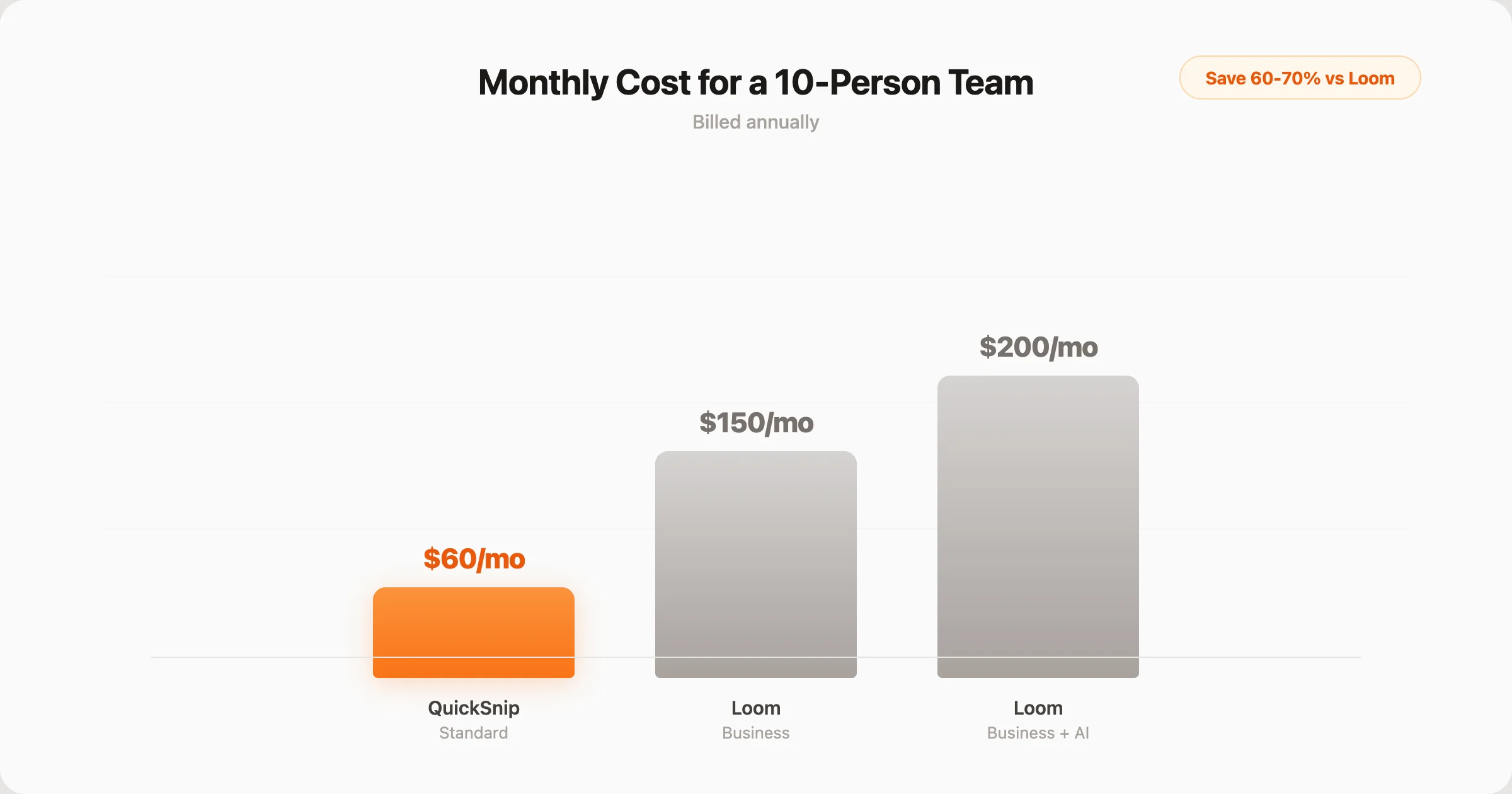
Here's what each tool costs for a team of 10 people, billed annually:
- QuickSnip Team: $100/month ($10 x 10 users)
- Loom Business: $150/month ($15 x 10 users)
- Loom Business + AI: $200/month ($20 x 10 users)
QuickSnip costs 33% less than Loom Business and 50% less than Loom Business + AI for the same team size. Over a year, that's $1,200 vs $1,800 or $2,400.
When to Choose QuickSnip
QuickSnip is the better choice in these situations:
- You're budget-conscious — $6/month for individuals or $10/user/month for teams vs Loom's $15+/user/month
- You need instant sharing — link is ready the second you stop recording
- You want AI captions included — no separate AI add-on required on paid plans
- You record frequently — unlimited recordings on the free plan
- You're an individual creator or small team — affordable pricing starting at $6/month
Download QuickSnip free and start recording in under a minute.
When to Choose Loom
Loom is the better choice in these situations:
- Your team uses Atlassian tools — native Jira and Confluence integration is a real advantage
- You need viewer analytics — knowing who watched (and how much) is valuable for team communication
- Timestamped comments matter — team feedback directly on the video timeline
- You need enterprise SSO and admin controls — Loom's Enterprise plan covers this
- Your organization already pays for Loom — switching costs may not justify the savings for large teams mid-contract
Loom is a solid product with real strengths. If Atlassian integration and viewer analytics are your top priorities, it delivers.
The Verdict
For most users, QuickSnip is the better screen recorder in 2026. It shares faster (instant links), includes AI features on paid plans without a separate add-on, and costs a fraction of what Loom charges. A 10-person team on QuickSnip Team saves $600-$1,200/year compared to Loom.
Loom still wins for teams deeply embedded in the Atlassian ecosystem. If your workflows depend on Jira and Confluence integration, Loom's native support there is hard to replace. The viewer analytics are also genuinely useful for team leads who need to confirm that async updates are actually being watched.
But for everyone else — individuals, small teams, startups, creators, and anyone who values fast sharing at an affordable price — QuickSnip delivers more for less. Download QuickSnip and see for yourself.
Want more options? Read our best screen recording software roundup or check out the complete screen recording guide for tips on getting the most out of any recorder.